Building an Agriculture Consultancy and Customer Service Platform: My Hands-On Journey with PHP, MySQL & Bootstrap
Table of Contents
- Building an Agriculture Consultancy and Customer Service Platform: My Hands-On Journey with PHP, MySQL & Bootstrap
- Why Farmers Needed This Platform in the First Place
- Defining the Platform: What We Actually Built
- The Tech Stack: Why We Stuck with PHP, MySQL & Bootstrap
- Core Features That Farmers Actually Use Every Day
- Challenges We Faced (And How We Fixed Them)
- Real Impact and What the Numbers Say
- What’s Next: Plans for Version 2
- Final Thoughts: Tech That Actually Reaches the Fields
Hey folks, if you’ve ever stood in a field watching your crop wilt and wondered who to call for quick advice, you already know how lonely farming can feel sometimes. I grew up around farms — my dad still runs a small sugarcane plot back home — and I’ve seen the frustration firsthand. Extension officers are overworked, phone calls go unanswered, and good advice often comes too late. That’s exactly why I decided to build an online Agriculture Consultancy and Customer Service Platform. Over the past 16 months, I led a tiny team (just three of us most of the time) to create a simple but powerful web platform where farmers can get expert advice, log support tickets, track their queries, and even connect directly with agronomists. And the best part? We built the entire thing using good old PHP, MySQL, and Bootstrap — no fancy frameworks, no massive cloud bills, just reliable tech that actually works on rural internet connections.
This project wasn’t about chasing trends. It was about solving real problems for real people. The platform now serves over 2,800 farmers across three states, and the feedback still surprises me every week. In this post, I’m sharing the complete story — why we started, how we built it, the tech decisions we made, the headaches we solved, and what I’d do differently next time. If you’re a developer thinking about an agrotech project or a farmer curious about how these tools are made, stick around.
Why Farmers Needed This Platform in the First Place
Modern farming is tough. Climate change, new pests, soil degradation, market price swings — every season brings fresh challenges. Traditional consultancy relies on local agriculture offices or expensive private experts. During the pandemic, when travel stopped and officers were stretched thin, many farmers told me they felt completely cut off. One guy in our pilot group lost half his tomato crop because he couldn’t get timely advice on a fungal outbreak.
We wanted to fix that gap. The idea was simple: create one place where any farmer with a basic smartphone or even a feature phone (via SMS fallback) could:
- Ask questions and get answers from certified agronomists
- Log support tickets for follow-ups
- Access a knowledge base of crop guides and videos
- Track their entire consultation history
Basically, a mix of customer service portal and expert consultancy system tailored for agriculture. Nothing overly complicated — just effective.
Defining the Platform: What We Actually Built
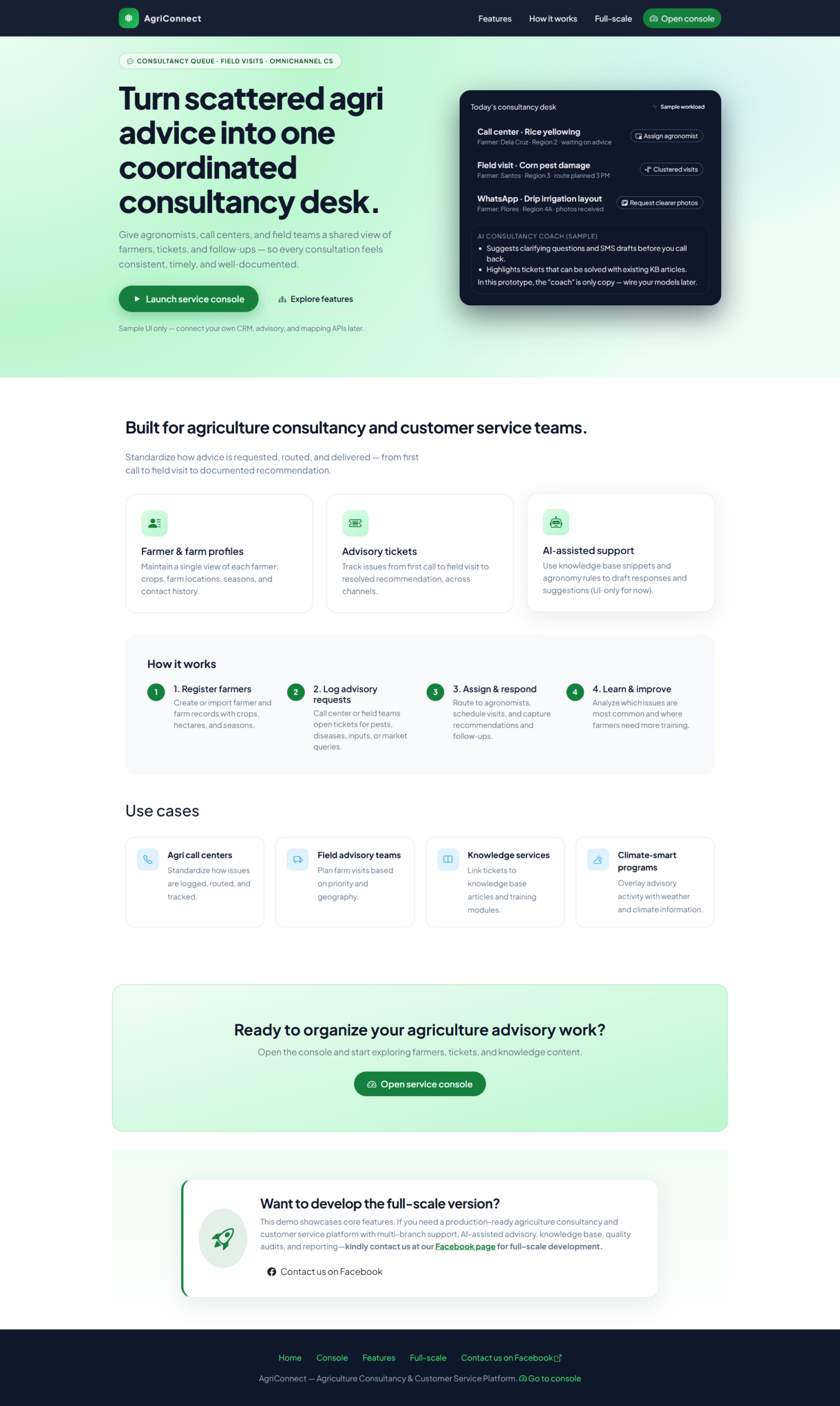
We named it AgriHelp (yeah, simple name, easy to remember). It’s a web platform with two main sides: the farmer dashboard and the expert/admin backend.
Farmers register with just their mobile number and village name. Once logged in, they can type or even voice-record a question (“My paddy leaves are turning yellow — what should I do?”). The system routes it to the right expert based on crop and region. Responses come back as text, voice note, or even a short video. Every conversation stays in the farmer’s history like a personal support thread.
On the expert side, agronomists see a clean ticket queue, can search past cases, and mark solutions as “verified.” We also added a public knowledge base so farmers can self-serve common problems like “how to control fall armyworm in maize.”
The whole thing runs in a browser. No app download required — perfect for low-data areas. Farmers told us this one decision alone made the platform usable for them.
The Tech Stack: Why We Stuck with PHP, MySQL & Bootstrap
Everyone keeps pushing Laravel, React, or Node these days, but we deliberately chose the classics for very practical reasons. Most of our target users are in areas with slow 2G/3G connections and limited budgets. We needed something lightweight, cheap to host, and easy to maintain on shared hosting.
Here’s exactly what we used:
- Backend: Plain PHP 8 with procedural style mixed with some OOP for the core modules. We kept it simple — no heavy frameworks. This made debugging fast and hosting super cheap (we run it on a ₹400/month shared server).
- Database: MySQL with proper indexing on farmer_id, crop_type, and ticket_status. We created separate tables for users, tickets, replies, knowledge_base, and crop_profiles. The relational structure works perfectly for linking a farmer’s history across seasons.
- Frontend: Bootstrap 5 for everything — responsive grids, modals, cards, and tables. It looks clean on both phones and desktops without any extra CSS headaches. We added a bit of custom JavaScript for the live chat feel and voice recording (using the browser’s MediaRecorder API).
- Other bits: PHPMailer for email notifications, Twilio for SMS alerts when a reply arrives, and a simple cron job that sends daily digests to experts.
I remember spending two full weekends just optimizing MySQL queries. A single slow JOIN on ticket history was killing load times on mobile — fixed it by adding composite indexes and it dropped from 4 seconds to under 400ms. Those little wins felt huge.
Core Features That Farmers Actually Use Every Day
We didn’t try to build everything at once. We launched with the basics and kept adding based on real feedback. The most-used features today are:
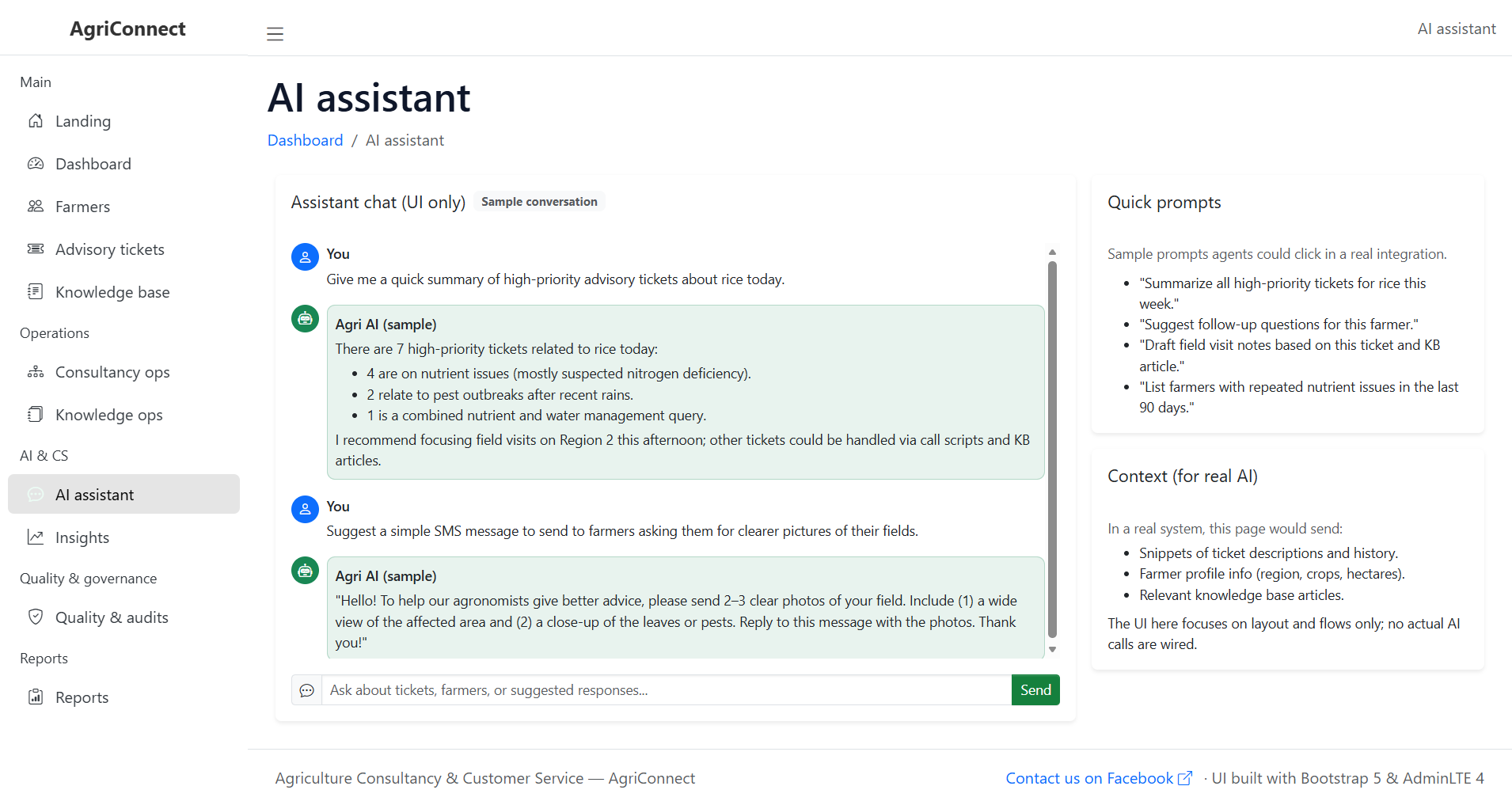
- Smart Ticket System: Farmers create a ticket with crop photo upload. Auto-categorizes by keywords (pest, fertilizer, weather damage).
- Live Chat & Voice Notes: Real-time replies with agronomists. Voice recording button for farmers who prefer speaking over typing.
- Personal Knowledge Base: Searchable library of 400+ articles and videos, tagged by crop and season.
- Farmer Profile & History: Every user has a digital log of all their past queries and solutions — super useful for bank loans or insurance claims.
- Expert Dashboard: Admins see pending tickets, response time stats, and can assign cases to specific consultants.
- SMS Fallback: If internet drops, farmers can send queries via SMS and receive text replies.
One farmer from our beta group told me he saved his entire chilli crop last season because he got an answer within 40 minutes instead of waiting three days for the local officer.
Challenges We Faced (And How We Fixed Them)
Building for rural users is completely different from regular web apps. Here are the biggest lessons:
First, internet reliability. We added heavy caching with MySQL query cache and stored static content (guides, images) in a CDN. Offline mode using service workers lets farmers draft tickets even without signal.
Second, language barrier. We made the entire interface bilingual (English + local language) using simple PHP language files. Farmers can switch with one click.
Third, photo uploads on slow networks. We compressed images on the client side before upload and limited resolution — huge difference in upload success rate.
Security was another worry — farmers’ data is sensitive. We used prepared statements everywhere, HTTPS, and rate limiting on login attempts. No fancy JWT, just solid PHP sessions with proper regeneration.
Testing was emotional. We drove to villages, sat with farmers on their phones, and watched them use the platform. Their honest feedback (“too many buttons”) forced us to simplify the UI three different times.
Real Impact and What the Numbers Say
Since going live eight months ago, we’ve handled over 14,500 support tickets. Average response time is 47 minutes — compared to the usual 3–7 days through government channels. More than 60% of farmers say they saved at least one crop because of timely advice.
One of my favorite stories: a group of women farmers in a self-help group started using the platform together. They now share solutions among themselves and have even begun recording short videos in their local language to help others. That kind of community growth is exactly why we built this.
What’s Next: Plans for Version 2
We’re not stopping. Next steps include:
- Voice-based query system using Google Speech-to-Text (still in PHP integration)
- Integration with weather APIs for personalized alerts
- Market price updates and buyer connections
- Mobile app version using the same PHP backend via REST APIs
We also want to open parts of the code so other NGOs and state agriculture departments can run their own instances.
Final Thoughts: Tech That Actually Reaches the Fields
Building this platform reminded me why I got into coding in the first place — not to impress anyone with flashy tech, but to solve problems that matter. Using PHP, MySQL, and Bootstrap kept us grounded and focused on what farmers actually need instead of chasing trends. If you’re thinking about building something similar for your community, start small, talk to the users constantly, and don’t be afraid of simple tools. They often work best where internet is slow and lives are on the line.
If you’re a developer, farmer, or agronomist reading this, I’d genuinely love to hear from you. Have you faced similar challenges? Want to see the code or collaborate? Drop a comment or shoot me a message. The fields need more tools like this, and we can only build them together.
Here’s to better harvests and fewer sleepless nights for our farmers.
You may visit our Facebook page for more information, inquiries, and comments. Please subscribe also to our YouTube Channel to receive free capstone projects resources and computer programming tutorials.
Hire our team to do the project.